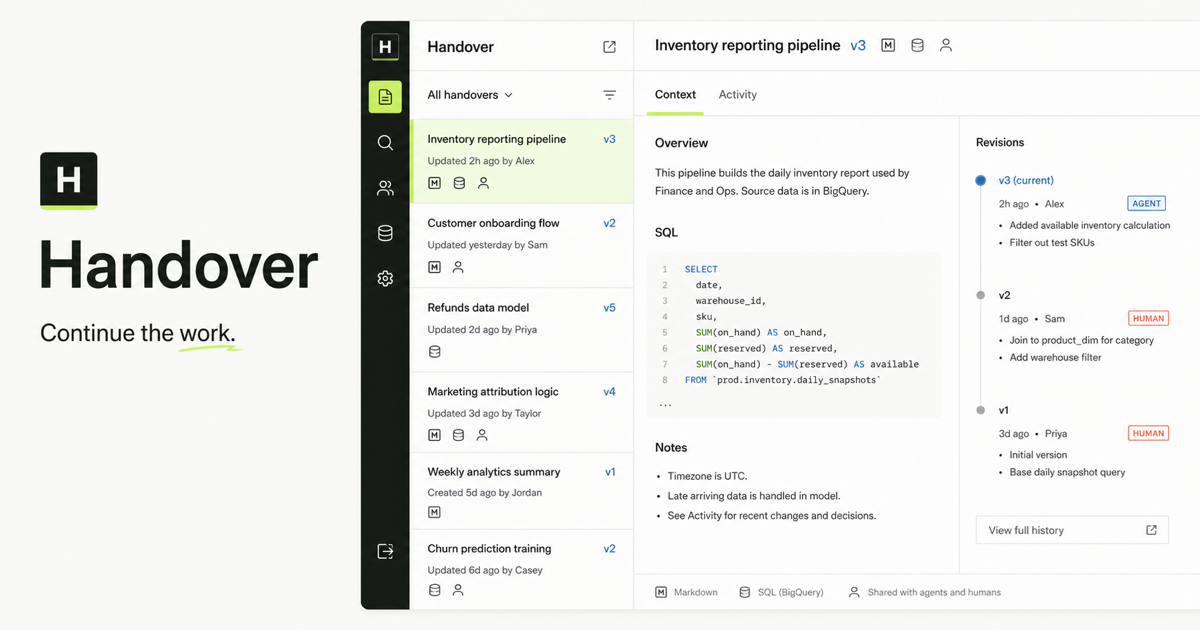
What is the fastest way to test the connection?
Install the public Handover CLI, authenticate with a named person or service credential, and run the read-only diagnostic. A passing result identifies the API endpoint, principal type, company, workspace, role, scopes, sampled context read, and round-trip time.
npm install --global handover-sh@0.1.3
handover login
handover doctor

# Machine-readable result for scripts and agents
handover doctor --json
What does a successful diagnostic prove?
It proves that the CLI can reach Handover, the credential resolves to an active identity, the identity belongs to a visible workspace, and the API permits at least one protected context-list request. It does not prove write access, broad company access, or that a complete publish-and-resume workflow succeeds.
- Endpoint: the normalized Handover API root accepted both requests.
- Identity: the server, not prompt content, supplied the actor name and type.
- Boundary: company, workspace, role, and scopes match the intended principal.
- Read: the identity can perform a protected context request.
- Safety: the command is read-only and never includes the credential in output.
Why is a transport-only check insufficient?
An HTTP connection can succeed while the wrong user is active, the credential belongs to another workspace, or required scopes are missing. MCP authorization separates the protected resource from its authorization server and requires clients to discover and use the resource's authorization metadata. Operational verification therefore needs both connectivity and identity-aware access.
How should an agent use the JSON result?
An agent should require `ok: true`, compare the returned workspace and scopes with the task's expected boundary, and stop if they differ. It must not infer authorship from the prompt or silently switch credentials. After the diagnostic passes, the agent should search for a known marker, read one exact revision and artifact, and only then attempt a write if its role permits it.
handover doctor --json
handover search "known verification marker" --json
handover show <handover-id> --json

# Continue only after identity, access, and evidence match.
# Never print HANDOVER_TOKEN or commit it to a repository.
What should I do when the check fails?
Treat the first failing layer as the diagnosis. A network error points to the URL, DNS, proxy, or service availability. An authentication error points to a missing, expired, or revoked credential. A valid identity in the wrong workspace points to account or configuration selection. A denied read points to role, scope, or sharing policy rather than installation.
- Cannot reach endpoint: verify HANDOVER_URL and retry from the same environment as the agent host.
- Unauthorized: sign in again or rotate the named service credential.
- Wrong identity: remove the saved connection with `handover logout`, then authenticate explicitly.
- Wrong workspace or scopes: correct membership or service-agent grants instead of reusing a more privileged token.
- Read denied: inspect Handover sharing and access policy; do not treat a broader credential as a workaround.
How do I prove end-to-end agent continuity after the diagnostic?
Use a second authenticated identity and a unique marker. The first actor publishes a private test handover with one artifact. The second authorized actor receives only the canonical link or marker, retrieves the exact revision, states the next action, and appends a new attributable revision with an expected-revision check. That test proves durable continuity rather than local chat memory.
Primary references