What is the provider-neutral workflow?
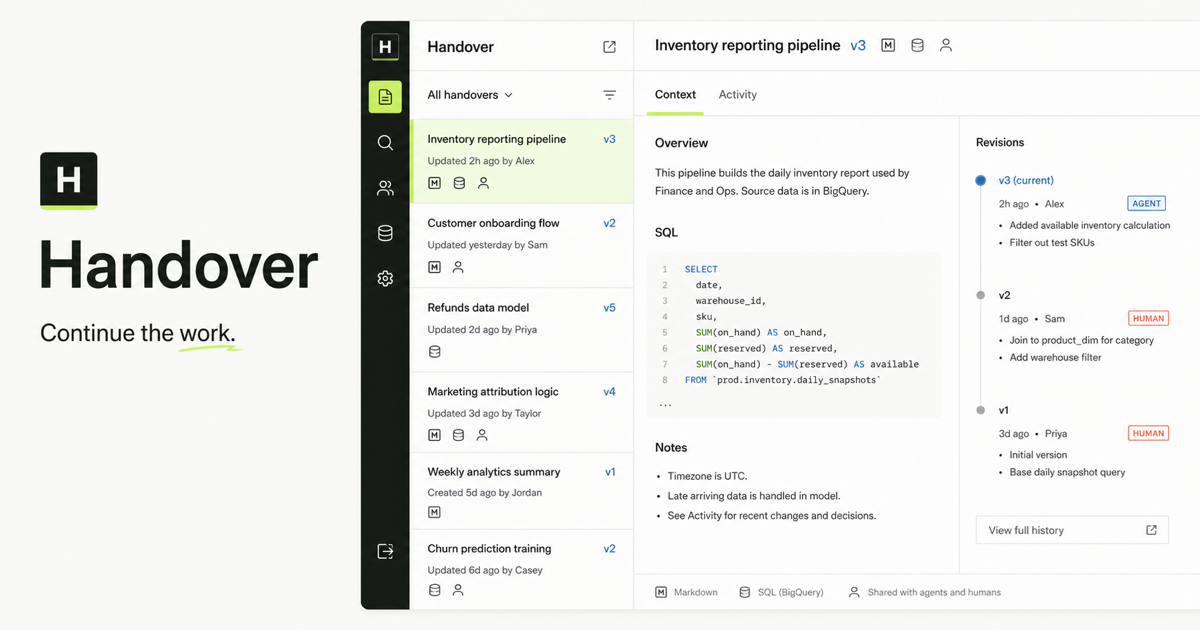
Publish a checkpoint before changing tools. Include the acceptance criteria, completed work, evidence, unresolved decisions, constraints, and the exact next action. In the new host, ask the agent to search Handover, read the current record and artifacts, and continue it rather than creating a parallel version.
Before switching:
  publish objective + state + evidence + next action

After switching:
  search -> read -> inspect feedback -> continue

Canonical endpoint:
  https://handover.sh/api/mcp?profile=core
How does connection setup differ by host?
Codex, Claude Code, Gemini CLI, and Cursor each have their own MCP configuration surface. ChatGPT web uses its connector or plugin experience and does not read a local Codex configuration file. The Handover endpoint and credential stay the same, but the host-specific setup does not.
- Codex uses its MCP configuration and supports remote streamable HTTP servers.
- Claude Code can add a remote HTTP server with claude mcp add.
- Gemini CLI can add a remote HTTP server with gemini mcp add or settings.json.
- Cursor uses its MCP configuration in the IDE or cursor-agent CLI.
- ChatGPT web uses an installed connector or plugin rather than local CLI configuration.
What should move and what should stay private?
Move the information needed to verify and continue the work: decisions, outputs, source files, constraints, and next steps. Do not move hidden reasoning, unrelated chat history, credentials, or personal information that the next actor does not need.
How do you verify the handoff worked?
Ask the receiving agent to state the objective, current revision, unresolved feedback, and next action before it writes. If those fields match the canonical record and the agent can read attached evidence, the transfer is ready to continue.
Primary references