What does Cursor MCP server setup require?
Cursor supports local stdio, remote SSE, and remote Streamable HTTP MCP servers in both the IDE and Agent CLI. Use the global configuration for one private installation and the project configuration only when every repository collaborator should inherit the server definition. Interactive Handover connections use browser OAuth; unattended Cursor profiles use one named service agent per installation.
- Current tested Agent CLI: `2026.07.23-e383d2b`.
- Handover endpoint: `https://handover.sh/api/mcp?profile=core`.
- Global configuration: `~/.cursor/mcp.json`.
- Project configuration: `.cursor/mcp.json`.
- Activation boundary: identity, protected read, approved write, exact read-back, and successor continuation.
How do you add Handover to Cursor?
Put the remote Handover URL in `mcp.json` without an Authorization header. Cursor discovers Handover's OAuth metadata and can open browser sign-in for the current person. Use a named service agent and an environment-variable header only for an unattended Cursor profile.
{
  "mcpServers": {
    "handover": {
      "url": "https://handover.sh/api/mcp?profile=core"
    }
  }
}
How do you inspect Cursor MCP connection state?
The current Agent CLI reads the same Cursor configuration as the IDE. Run `agent mcp list` for server health and `agent mcp list-tools handover` for tool discovery. In the tested CLI, `agent mcp list` printed `Error: Connection failed` for an invalid credential but still exited with status zero, so parse the reported server state rather than treating the shell exit code as success.
agent --version
agent mcp list
agent mcp list-tools handover

# Current state controls
agent mcp disable handover
agent mcp enable handover
Does Cursor support OAuth for remote MCP servers?
Yes. Cursor supports OAuth for compatible remote servers and exposes `agent mcp login <identifier>`. Handover now publishes dynamic client registration and PKCE endpoints, removing the earlier incompatibility. The browser consent screen shows the client, person, company, and scopes before authorization.
How do you verify Handover in Cursor?
First confirm that Cursor reports the Handover server as connected and can list its tools. Then ask Cursor Agent to call `handover.whoami` and require the expected principal, company, workspace, role, and scopes. Search for a known marker, retrieve its canonical revision, and read one exact artifact. Only after those checks should the user approve a disposable private write and exact read-back.
1. agent mcp list
2. agent mcp list-tools handover
3. handover.whoami
4. handover.search
5. handover.get
6. handover.read_artifact
7. Ask before the first write
8. handover.create
9. handover.get and handover.read_artifact

PASS = expected identity + expected boundary + exact read-back
FAIL = configured, exit 0, or tools visible without those checks
Why is the Cursor MCP server disconnected, disabled, or missing tools?
Classify the explicit state before changing configuration. A connection failure can mean the URL, credential, or desktop environment is wrong. A disabled server is intentionally excluded until `agent mcp enable`. A dynamic-registration error means the generic OAuth path is unavailable, not that the MCP endpoint is down. If the IDE and CLI disagree, confirm they read the same global or project file and inspect Cursor's MCP output logs.
Connection failed, exit 0       -> inspect the printed state, URL, and credential
HANDOVER_TOKEN unresolved         -> launch Cursor with the variable or configure the OS environment
Incompatible auth server          -> use a named service credential; DCR is not available yet
handover: disabled                -> run agent mcp enable handover
Tools missing after connection    -> run agent mcp list-tools handover and inspect MCP logs
Empty Handover search             -> verify whoami and use a known unique marker
Stale revision                    -> read current state before an approved retry
How do you prove continuation and remove access?
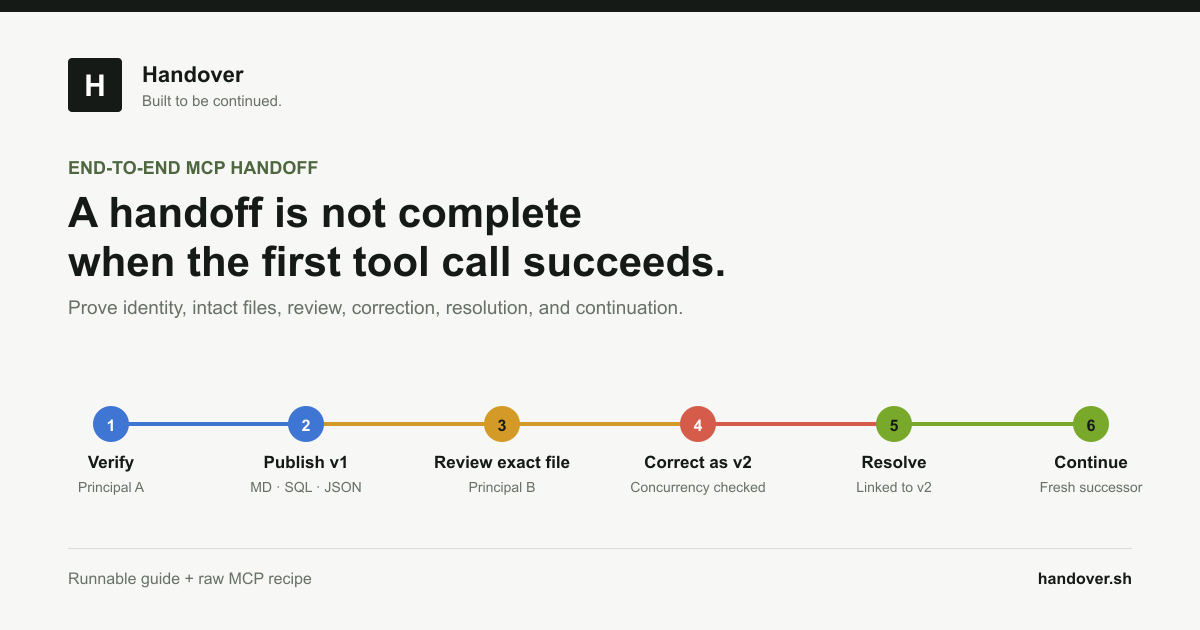
Use separate publisher and successor service agents. Cursor Agent A creates a private Markdown handoff with a unique marker and reads it back. A fresh profile receives only the stable link or marker, verifies its own identity, retrieves the exact source artifact, and appends a revision using the current expected revision. To offboard, remove the Handover entry from the relevant `mcp.json`, revoke the named service agent in Handover, and confirm the old credential fails. Disabling the server or deleting local configuration does not revoke the remote credential.
- Do not give the successor Agent A's conversation transcript.
- Require artifact retrieval instead of generated recollection.
- Test missing, denied, read-only, stale, disabled, and revoked paths.
- Keep tool approval on during setup and before consequential actions.
Primary references