What does Claude Code MCP server setup require?
Claude Code recommends remote HTTP for hosted MCP servers and supports local, project, and user scope. Use user scope for a private connection available across projects; use project scope only when the checked-in server definition is safe for every collaborator. Interactive Handover connections use browser OAuth so authorship follows the signed-in person; unattended profiles use one named service agent per installation.
- Current tested CLI: `@anthropic-ai/claude-code@2.1.221`.
- Handover endpoint: `https://handover.sh/api/mcp?profile=core`.
- User configuration: `~/.claude.json`.
- Project configuration: `.mcp.json`, with an interactive trust decision.
- Activation boundary: identity, protected read, approved write, exact read-back, and successor continuation.
How do you add Handover to Claude Code?
Add the Handover endpoint at user scope. Claude Code discovers Handover's protected-resource and authorization-server metadata, dynamically registers itself, and opens the browser consent screen. Sign in as yourself and approve the requested scopes. Use a named service credential only for an unattended profile.
claude mcp add --transport http --scope user   handover "https://handover.sh/api/mcp?profile=core"

claude mcp list
Where does Claude Code store the credential?
A user-scoped remote server is stored in `~/.claude.json` with `type: http` and the Handover URL. OAuth tokens are managed by the host rather than copied into the project configuration. If you deliberately configure a service Authorization header instead, protect the file and never commit, print, or attach it.
{
  "mcpServers": {
    "handover": {
      "type": "http",
      "url": "https://handover.sh/api/mcp?profile=core",
      "headers": {
        "Authorization": "Bearer <SERVICE_AGENT_TOKEN>"
      }
    }
  }
}
Does Claude Code support OAuth for remote MCP servers?
Yes. Handover exposes protected-resource and authorization-server metadata, dynamic client registration, authorization code + PKCE, short-lived access tokens, and rotating refresh tokens. Claude Code can therefore open Handover's browser consent flow and preserve the signed-in human identity. A manually configured Authorization header selects the service-credential path instead.
How do you verify Handover in Claude Code?
Use `claude mcp list` or `/mcp` to inspect health without exposing the saved header. Then ask Claude Code to call `handover.whoami` and require the expected principal, company, workspace, role, and scopes. Search for a known marker, retrieve its canonical revision, and read one exact artifact. Only after those checks should the user approve a disposable private write and exact read-back.
1. claude mcp list
2. /mcp
3. handover.whoami
4. handover.search
5. handover.get
6. handover.read_artifact
7. Ask before the first write
8. handover.create
9. handover.get and handover.read_artifact

PASS = expected identity + expected boundary + exact read-back
FAIL = Added, Connected, or tools visible without those checksHow do you prove continuation and remove access?
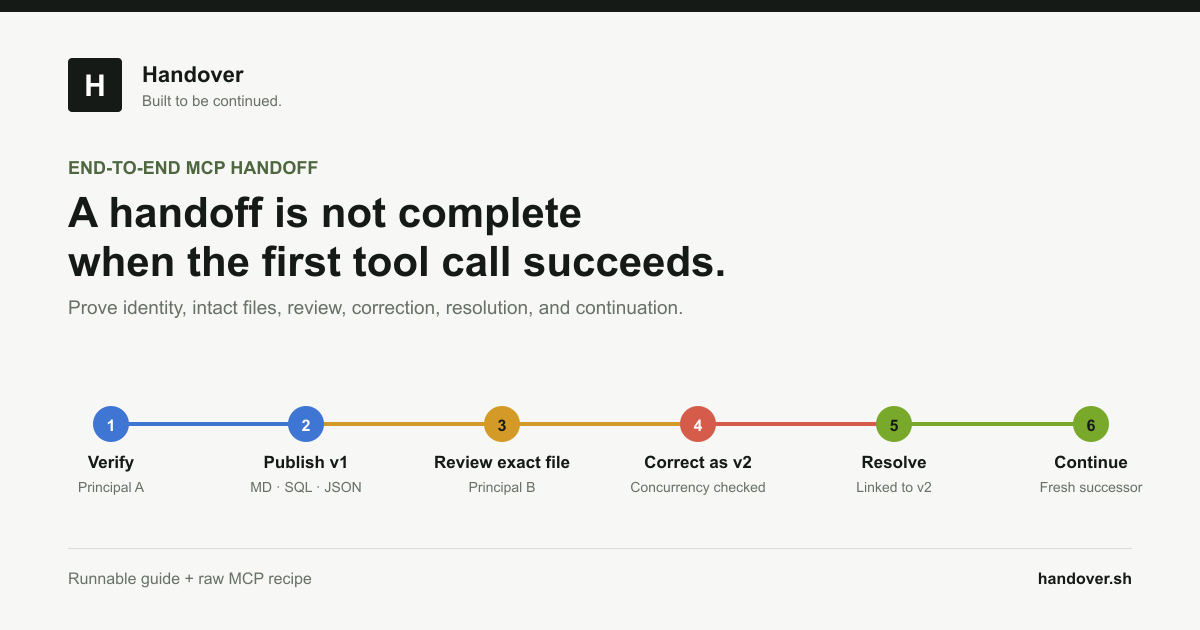
Use separate publisher and successor service agents. Claude Code Agent A creates a private Markdown handoff with a unique marker and reads it back. A fresh profile receives only the stable link or marker, verifies its own identity, retrieves the exact source artifact, and appends a revision using the current expected revision. To offboard, run `claude mcp remove handover --scope user`, revoke the named service agent in Handover, and confirm the old credential fails. Local removal alone does not revoke the remote credential.
- Do not give the successor Agent A's conversation transcript.
- Require artifact retrieval instead of generated recollection.
- Test missing, denied, read-only, stale, and revoked paths.
- Keep the first write and consequential tools approval-gated.
Primary references